
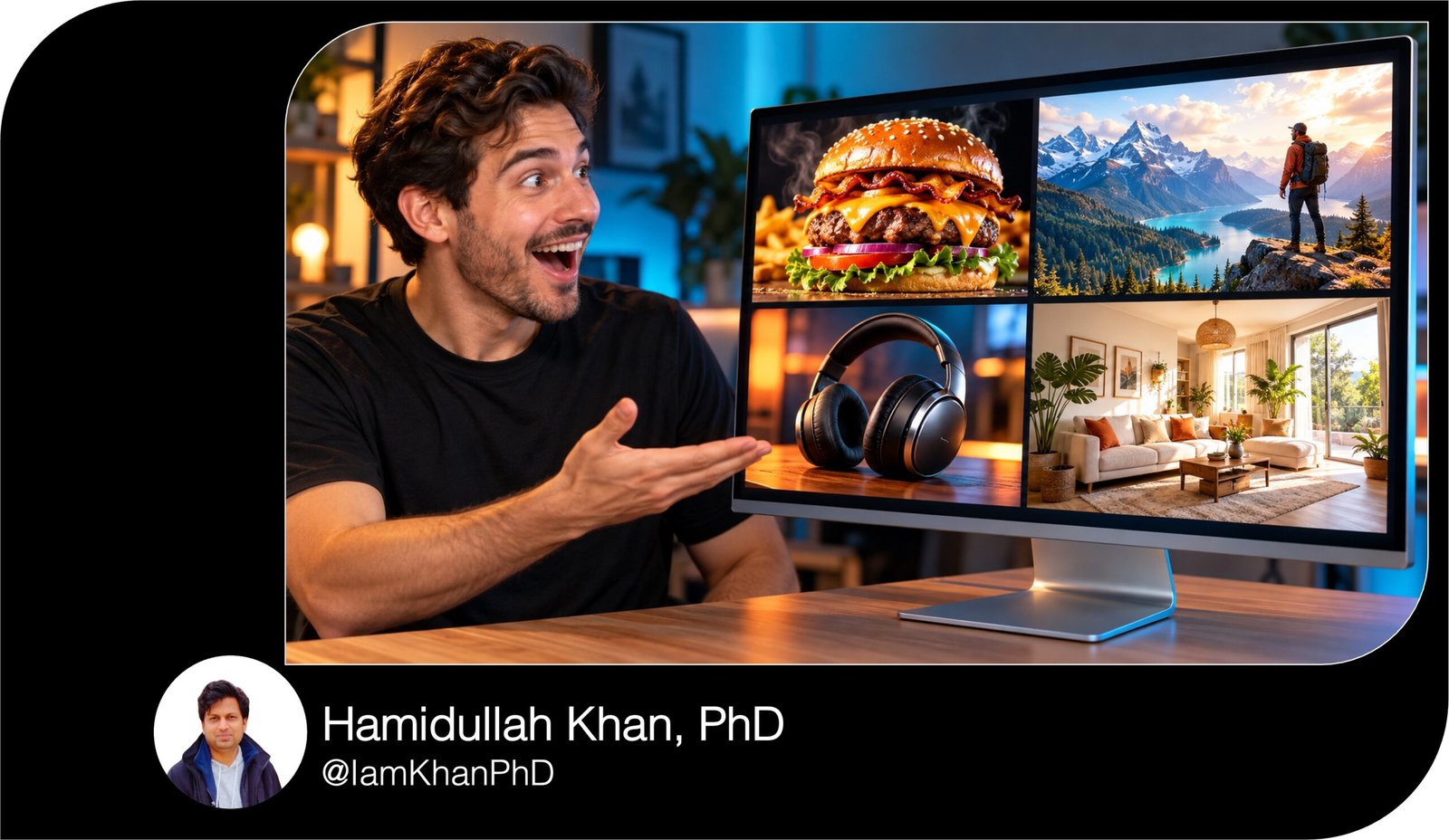
10 AI YouTube Thumbnail Prompts I Custom Prompt Templates
Turn your video ideas into clear thumbnail designs with 10 detailed, editable AI image prompts. Each template guides the layout, subject, lighting, colors, and headline placement for a specific video format—from tutorials and product comparisons to recipes, gaming, and travel.
What this prompt pack does
- Provides 10 distinct thumbnail templates built around specific video formats.
- Guides the AI on composition, subject placement, lighting, colors, and text space.
- Lets you customize each design with your topic, brand colors, headline, and reference images.
Tips for this prompt
- Choose a template that matches your video and use a headline of two to four words.
- Upload a clear reference image when your face, product, location, or finished result needs to look accurate.
- Check the thumbnail at a small size; simplify clutter and add lettering manually if the AI misspells it.
How to use the prompt
- Choose one template and replace every field in square brackets with your own details.
- Paste the completed prompt into an AI image-generation tool and attach any relevant reference images.
- Generate the thumbnail, review its accuracy, and request specific edits before adding final text and exporting.
10 AI Prompts for Work Productivity
10 AI YouTube Thumbnail Prompts I Custom Prompt Templates
Replace the text in [square brackets] with your details, then paste a prompt into an AI image tool. Upload reference photos when you want the thumbnail to feature your face, product, or finished result.
10 Copy-and-Paste AI Photo Prompt Bundle
1. Tutorial thumbnail: “Make a difficult task look simple”
Create a YouTube thumbnail for a beginner-friendly tutorial.
Video topic: [what the viewer will learn]
Main subject: [person, tool, or object]
Finished result: [the outcome shown in the video]
Thumbnail text: “[2–4 words, such as EDIT LIKE THIS]”
Brand colors: [two colors]Use a horizontal 16:9 composition. Place the main subject on the left, filling approximately half the image. On the right, show one large, clear example of the finished result. Connect the subject and result with a single bold arrow.
If I upload a reference photo, preserve the person’s recognizable features or the object’s actual appearance. Give the person an encouraging, confident expression.
Use a clean background, strong separation between foreground and background, and bright lighting. Make the finished result easy to recognize without reading the text.
Place the headline across the upper-right area in thick, high-contrast lettering. Keep the lower-right corner free of important details. Avoid tiny interface elements, multiple arrows, decorative icons, and additional words. If accurate text rendering is unavailable, leave a clean space for the headline.
10 Copy-and-Paste Gemini AI Miniature Image Prompts
2. Before-and-after thumbnail: “Show the transformation”
Create a before-and-after YouTube thumbnail showing a real transformation.
Video topic: [room makeover, photo edit, restoration, or other transformation]
Before state: [describe the original appearance]
After state: [describe the actual finished appearance]
Reference images: [identify the before and after images I upload]
Thumbnail text: “[2–4 words, such as WHAT A DIFFERENCE]”Use a horizontal 16:9 canvas divided into two equal sections by a bold vertical line. Show the before state on the left and the after state on the right. Match the camera angle, scale, and subject position so viewers can immediately compare the change.
Give the before side muted lighting while keeping its details visible. Give the after side brighter lighting and stronger color contrast. Preserve the real transformation; do not invent improvements that the video does not show.
Add small, clear BEFORE and AFTER labels at the top of their respective sides. Place the main headline near the bottom center, above the lower-right corner.
Keep backgrounds simple and remove distracting objects. Avoid exaggerated distortion or misleading changes. If text cannot be rendered accurately, leave clear spaces for the labels and headline.
10 Copy-and-Paste Gemini AI Prompts for Image Trends
3. Product comparison thumbnail: “Make the choice obvious”
Create a YouTube thumbnail for a comparison between two products.
Product A: [name, model, and color]
Product B: [name, model, and color]
Main comparison: [price, camera quality, speed, ease of use, or another factor]
Thumbnail text: “[2–4 words, such as WHICH IS BETTER?]”
Reference images: [uploaded photos of both products]Use a horizontal 16:9 layout. Place Product A prominently on the left and Product B on the right, at equal visual size. Angle both slightly toward the center. Preserve their actual shapes, colors, buttons, and other visible details from the reference images.
Use a [color] background behind Product A and a contrasting [color] background behind Product B. Add a bold VS in the center with enough space around it to keep both products visible.
Place the headline along the top in large, readable lettering. Use clean studio lighting and subtle shadows to make the products stand out.
Do not add winner badges, star ratings, prices, or performance claims unless I supply them. Avoid extra accessories and unreadable logos. If text rendering is unreliable, reserve blank areas for the headline and VS.
10 Copy-and-Paste Gemini AI Prompts for Couple Photos
4. Mistakes thumbnail: “Highlight one specific problem”
Create a YouTube thumbnail for a video explaining a common mistake.
Video topic: [subject]
Specific mistake: [one visible mistake covered in the video]
Correct alternative: [what viewers should do instead]
Main subject: [person, object, or workspace]
Thumbnail text: “[2–4 words, such as STOP DOING THIS]”
Brand colors: [two colors]Use a horizontal 16:9 composition. Make the incorrect example the largest element, positioned on the right. Highlight the exact problem with one red circle or one red X; do not mark several unrelated areas.
Place [a person with a concerned expression / a close-up of the relevant object] on the left. If a face reference is uploaded, preserve the person’s identity. Include a small, clearly separated inset showing the correct alternative with a green check mark.
Use a simple dark background and bright lighting on the main subject. Put the headline at the top-left in bold lettering.
Make the mistake visually understandable without relying on small text. Avoid fear-based imagery, exaggerated damage, multiple warning symbols, or invented consequences. Leave blank headline space if accurate text rendering is unavailable.
10 Gemini AI Portrait Prompts for Men I Suits, Travel, Fitness & More
5. Challenge thumbnail: “Show the constraint and the goal”
Create a YouTube thumbnail for a challenge video.
Challenge: [what I am attempting]
Constraint: [time limit, budget, or rule]
Goal: [the result I am trying to achieve]
Key challenge object: [one object that represents the challenge]
Thumbnail text: “[short constraint, such as ONLY $20 or 24 HOURS]”
Reference photo: [uploaded photo of me, if available]Use a horizontal 16:9 layout. Place me in the center-left with a determined or surprised expression that fits the video. Place the key challenge object prominently on the right.
Show the goal as a small, clearly separated visual in the upper-right area. Use one simple visual cue for the constraint: [a timer / a limited pile of materials / a budget label]. Do not combine several competing symbols.
Use dramatic lighting, a clean [background color] background, and one bright accent color. Make the constraint text the largest lettering in the image.
Keep all amounts and time limits exactly as supplied. Do not depict success if the video only shows an attempt. Avoid extra people, excessive props, tiny captions, and important details in the lower-right corner.
10 Copy-and-Paste AI Prompt Generators for Beginners
6. Recipe thumbnail: “Make the finished food the hero”
Create an appetizing YouTube thumbnail for a recipe video.
Recipe: [dish name]
Visible ingredients: [three ingredients actually used]
Most appealing feature: [crispy crust, creamy center, melted cheese, or another real feature]
Serving style: [plate, bowl, baking tray, or handheld]
Thumbnail text: “[2–4 words, such as CRISPY EVERY TIME]”
Reference image: [uploaded photo of the finished dish]Use a horizontal 16:9 composition. Make the finished dish fill the right two-thirds of the frame. Use a close-up angle that clearly shows its most appealing feature. If appropriate, include one fork, spoon, or hand lifting a portion to reveal the texture.
Preserve the dish’s real appearance from the reference. Use warm natural light, realistic food textures, and a softly blurred [kitchen or tabletop] background.
Leave clean space on the left for large, contrasting headline text. Add no more than two small ingredient accents.
Avoid unrelated garnishes, ingredients not in the recipe, excessive steam, artificial shine, and distorted utensils. Keep the food unobstructed by lettering. If accurate text rendering is unavailable, leave the headline area blank.
10 AI Thumbnail Prompts for YouTube I Custom Prompt Pack
7. Travel thumbnail: “Show the place and the experience”
Create a YouTube thumbnail for a travel video.
Destination: [city, region, or attraction]
Specific location: [the real landmark or setting featured]
Video angle: [budget trip, first visit, hidden spot, itinerary, or local experience]
Main experience: [activity shown in the video]
Thumbnail text: “[2–4 words, such as WORTH THE TRIP?]”
Reference images: [uploaded destination photo and optional photo of me]Use a horizontal 16:9 composition. Make the specific location the dominant background. Place me in the left foreground, large enough for my expression to be visible, looking toward or reacting to the main experience.
Keep the location geographically believable. Use the uploaded image to preserve the landmark’s actual structure and surroundings. Do not combine unrelated attractions into an invented skyline.
Use vivid but natural colors and lighting appropriate to [morning, afternoon, sunset, or night]. Place the headline in a clear area of sky or wall.
Include only one supporting object associated with the experience, if needed. Avoid crowds covering the landmark, fake signs, invented scenery, and excessive travel icons. Leave blank headline space if necessary.
10 ChatGPT Thumbnail Prompts I Custom Prompt Templates
8. Gaming thumbnail: “Capture the decisive moment”
Create a YouTube gaming thumbnail based on a specific moment from my video.
Game: [game name]
Main moment: [boss fight, rare discovery, close win, unusual build, or other event]
Main character: [character and appearance]
Opponent or discovery: [specific enemy, item, or location]
Thumbnail text: “[2–4 words, such as ONE HIT LEFT]”
Reference screenshot: [uploaded screenshot of the actual moment]Use a horizontal 16:9 layout. Preserve the game’s recognizable visual style and the character designs shown in the reference. Enlarge the main character on the left and the opponent or discovery on the right.
Create a clear focal point between them using lighting, motion, or one directional effect. Keep the background recognizable but less detailed than the main subjects. Remove unnecessary interface clutter while retaining any element essential to understanding the moment.
Place the headline at the top in thick, high-contrast lettering. Keep important action away from the lower-right corner.
Do not invent rare items, rankings, victories, or events that did not occur. Avoid unrelated characters, excessive particles, multiple arrows, and small text. Leave a clear headline area if lettering cannot be generated accurately.
10 Gemini Thumbnail Prompts You Can Copy and Customize
9. Business case-study thumbnail: “Make the real result visible”
Create a YouTube thumbnail for a business or creator case study.
Video topic: [the experiment, strategy, or project]
Verified result: [exact result, including unit and timeframe]
Result type: [revenue, profit, subscribers, sales, time saved, or another metric]
Main process or tool: [what produced the result]
Thumbnail text: “[one short result, such as 100 SALES IN 30 DAYS]”
Reference photo: [uploaded photo of me or the actual project]Use a horizontal 16:9 composition. Place me or the project on the left. Make the verified result the dominant element on the right, with the number larger than its supporting words.
Use a clean [background color] background with [accent color] highlights. Add one small visual representing the process, such as a product package or a simplified workflow icon.
Clearly label the result type; do not present revenue as profit or omit a supplied timeframe. If a chart is included, use only data I provide. Otherwise, omit the chart.
Avoid cash piles, fabricated dashboards, invented testimonials, and implied guarantees. Keep the headline readable and the lower-right corner clear. If text accuracy is unreliable, reserve space for manual lettering.
10 Copy and Paste Gemini AI Prompts for Everyday Tasks
10. Mystery or explainer thumbnail: “Create curiosity around one clue”
Create a YouTube thumbnail for a mystery, investigation, or surprising explainer.
Video topic: [subject]
Central question: [the question the video explores]
Visible clue: [one real object, detail, or piece of evidence]
Main setting: [location relevant to the video]
Thumbnail text: “[2–4 words, such as WHY IS THIS HERE?]”
Visual style: [documentary realism or cinematic illustration]Use a horizontal 16:9 composition. Make the visible clue the largest and sharpest element, positioned slightly right of center. Place the relevant setting behind it with reduced detail and darker lighting.
Use a focused beam of light or one subtle outline to direct attention to the clue. Leave the left third relatively uncluttered for the headline. Use a restrained palette of [two colors] with one bright accent.
If a person appears, use [a thoughtful or puzzled expression] and keep their face secondary to the clue.
Create curiosity through composition without inventing evidence or presenting speculation as fact. Avoid horror effects unless the video is about horror, excessive question marks, unrelated objects, and tiny captions. Leave blank text space if accurate lettering is unavailable.

About author




Add comment