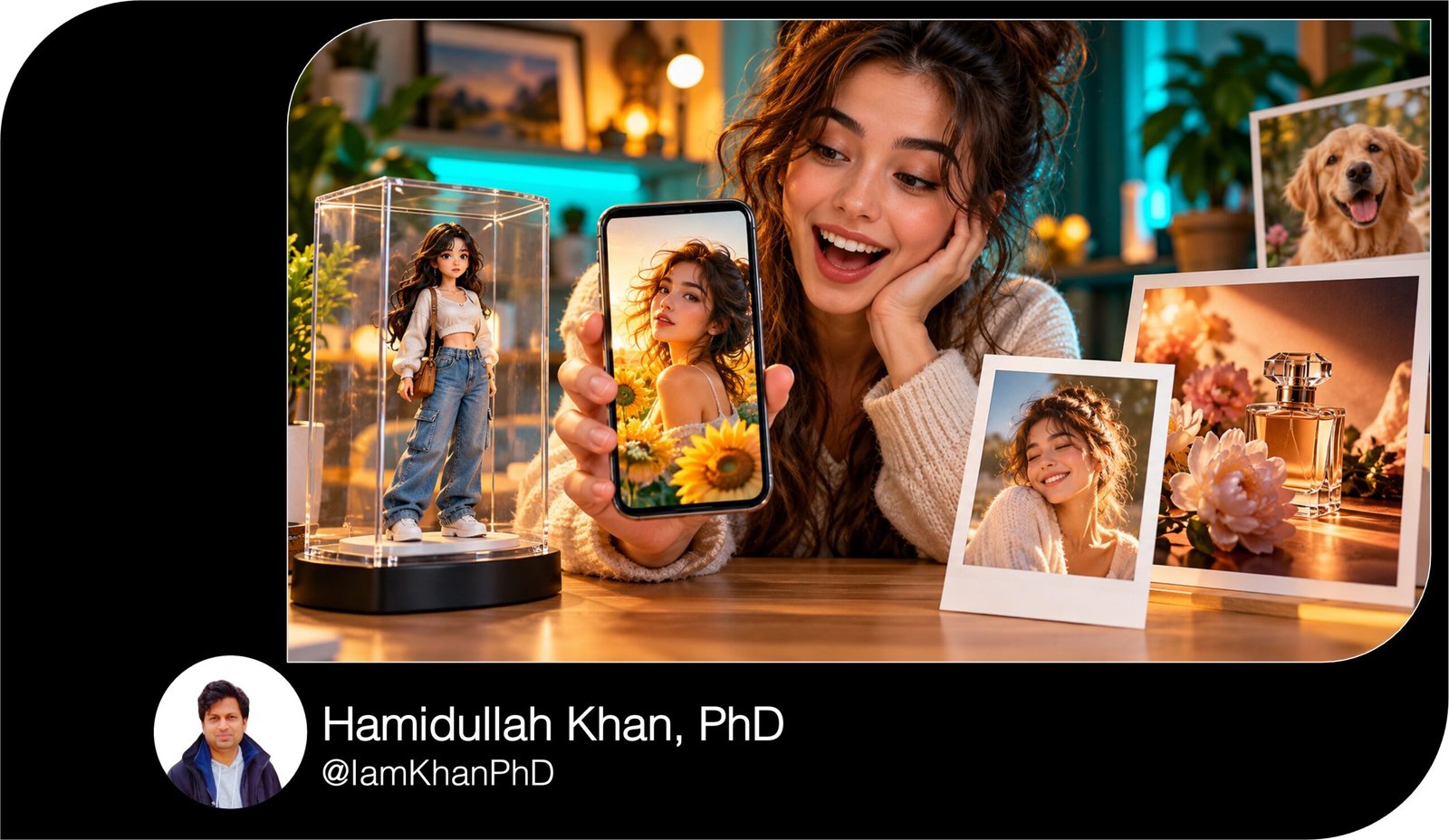
10 Copy-and-Paste Gemini AI Prompts for Image Trends
Create eye-catching images with 10 detailed, editable Gemini prompts. Make portraits, collectible figures, pet illustrations, room previews, product photos, and more by changing a few simple details.
What this prompt pack does
- Gives you 10 distinct image ideas ready to paste into Gemini.
- Shows exactly which details to edit for your photo, style, and setting.
- Helps you create personal or promotional visuals without writing a prompt from scratch.
Tips for these prompts
- Use a clear, well-lit reference photo when a prompt asks for one.
- Replace every [bracketed detail] before pasting.
- If a result looks wrong, ask Gemini to change one specific thing at a time.
How to use the prompts
- Open Gemini and choose one of the 10 ideas.
- Upload the requested photo, if needed, and paste your edited prompt.
- Review the image, request any corrections, and save the version you like.
10 Copy-and-Paste Gemini AI Prompts for Image Trends
These prompts are designed for beginners. Replace the [bracketed details], upload a photo where indicated, and paste the prompt into Gemini. Gemini supports creating images and editing uploaded images, though results may take a follow-up request to refine.
1. Collectible action figure
Upload a clear photo of yourself.
Turn the person in my uploaded photo into a realistic collectible action figure displayed inside a clear toy box. Keep my recognizable facial features, skin tone, hairstyle, and overall appearance. Dress the figure in [outfit, such as a denim jacket and sneakers]. Place three miniature accessories beside it: [accessory 1], [accessory 2], and [accessory 3]. Design the box in [two colors] with a clean, premium toy-store look. Put “[NAME OR NICKNAME]” at the top and “[SHORT TAGLINE]” beneath it. Show the full box standing upright against a simple studio background, photographed from a slightly low angle with soft reflections on the plastic. Make one vertical 4:5 image. Keep the packaging text limited to the two phrases I supplied.
2. Nostalgic Polaroid portrait
Upload a photo of yourself.
Use my uploaded photo as the reference for my appearance. Create a fictional Polaroid-style portrait of me at [place, such as a quiet seaside café] during [time of day]. I am wearing [outfit] and [simple action, such as holding a cup of coffee]. Keep my facial features, skin tone, and hairstyle recognizable. Give the photo warm, slightly faded colors, gentle film grain, a subtle flash effect, and the imperfect framing of a casual snapshot. Add a wide white Polaroid border with the handwritten caption “[SHORT CAPTION]” at the bottom. The scene should feel candid and personal, with no other people visible. Make one square image.
3. Magazine cover portrait
Upload a clear portrait photo.
Create a stylish fictional magazine cover using my uploaded photo as the reference for my face and appearance. The magazine is about [topic, such as travel, food, fashion, or entrepreneurship]. Dress me in [outfit] and place me against [background color or setting]. Use flattering editorial lighting, a confident but natural pose, and a clean vertical composition. The magazine title must read “[MAGAZINE NAME]”. Add one main headline: “[MAIN HEADLINE]”. Leave enough uncluttered space around my face for the cover design. Keep my facial features and skin tone recognizable, and do not add brands, awards, or claims I did not provide. Make one vertical 4:5 image.
4. Miniature world
Upload a photo of yourself, or replace “my uploaded photo” with a description of your appearance.
Create a playful miniature diorama featuring a tiny version of me based on my uploaded photo. Keep my recognizable appearance and dress me in [outfit]. The miniature scene is [specific setting, such as a bookshop built inside a giant open book]. Show me [action, such as arranging tiny books on a shelf]. Include three detailed objects that fit the setting: [object 1], [object 2], and [object 3]. Use a close-up camera angle, realistic handcrafted textures, soft lighting, and shallow depth of field so the scene looks like a carefully photographed model. Make one square image. Do not include text, logos, or extra characters.
5. Cinematic career portrait
Upload a photo of yourself.
Use my uploaded photo to create a cinematic portrait of me working as a [profession or dream role]. Keep my facial features, skin tone, hairstyle, and approximate age recognizable. Place me in [specific workplace] while I [realistic action connected to the role]. Dress me in [appropriate outfit] and include [two relevant tools or objects] in the scene. Use dramatic but believable lighting, rich colors, and the composition of a movie still. The mood is [mood, such as determined, calm, or joyful]. Make one horizontal 16:9 image with no title, logos, or text. Show the work accurately rather than adding fantasy equipment.
6. Decade makeover
Upload a photo of yourself.
Transform my uploaded photo into a portrait set in the [decade, such as 1970s, 1980s, or 1990s]. Keep my identity, facial features, and skin tone recognizable. Change my hairstyle to [era-appropriate hairstyle], my clothing to [specific outfit], and the setting to [place that fits the decade]. Use colors, lighting, and photographic texture that suit the era, while making the final image look like a believable photograph. Show me from the waist up with a relaxed expression. Make one vertical 4:5 image. Avoid modern phones, modern logos, and other objects that would look out of place.
7. Room makeover preview
Upload a clear photo of your room.
Redesign the room in my uploaded photo in a [style, such as warm minimalist or cozy vintage] style. Keep the room’s actual layout, doors, windows, ceiling height, and camera angle the same so I can compare the result with the original. Keep [items that must stay]. Change the wall color to [color], add [furniture item 1] and [furniture item 2], and use [lighting preference, such as warm table lamps]. My approximate budget is [budget], so choose changes that look achievable within that range. Create one realistic “after” image with a tidy, lived-in feel. Do not invent extra windows or make the room appear larger.
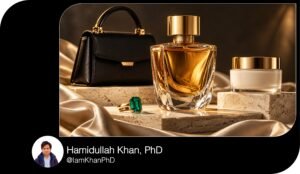
8. Product photo advertisement
Upload a photo of a product you own or sell.
Use my uploaded product photo to create a polished advertisement image for
. Keep the product’s actual shape, color, label, and packaging accurate. Place it in [setting, such as a sunlit kitchen counter] with [two supporting objects] nearby. Use [color palette] and soft commercial photography lighting. Make the product the clear focal point, leaving open space at the top for text I may add later. The intended audience is [audience], and the feeling should be [mood]. Create one vertical 4:5 image. Do not add a slogan, price, logo, ingredient, feature, or benefit that is not visible in the uploaded photo or stated here.

9. Storybook pet portrait
Upload a clear photo of your pet.
Turn the pet in my uploaded photo into the hero of a charming storybook illustration. Keep its distinctive fur pattern, coloring, face, and body shape recognizable. Show my pet in [setting, such as a moonlit garden] doing [gentle action, such as discovering a tiny glowing door]. Add [two scene details] that support the story. Use [art style, such as soft watercolor and pencil] with warm, expressive lighting and a sense of wonder. Keep the pet as the main subject and make the scene suitable for all ages. Create one vertical 4:5 image without text, speech bubbles, clothing, or extra animals unless I specifically requested them.
10. Dream destination travel poster
Upload a photo of yourself if you want to appear in the poster; otherwise, use the prompt without one.
Create an illustrated travel poster for [destination]. Show its recognizable [landmark or landscape] during [season and time of day]. In the foreground, include [person description or “a small traveler seen from behind”] wearing [outfit] and doing [action]. If I uploaded a photo, use it as the reference for the traveler’s appearance. Use a [visual style, such as vintage screen print or modern editorial illustration] with [three-color palette]. Leave a clean area at the top and add only the destination name “[DESTINATION]” as the headline. Make the scenery specific to the real destination; do not invent a landmark. Create one vertical 4:5 image.
About author