10 ChatGPT Prompts for Pictures I Custom Image Prompts
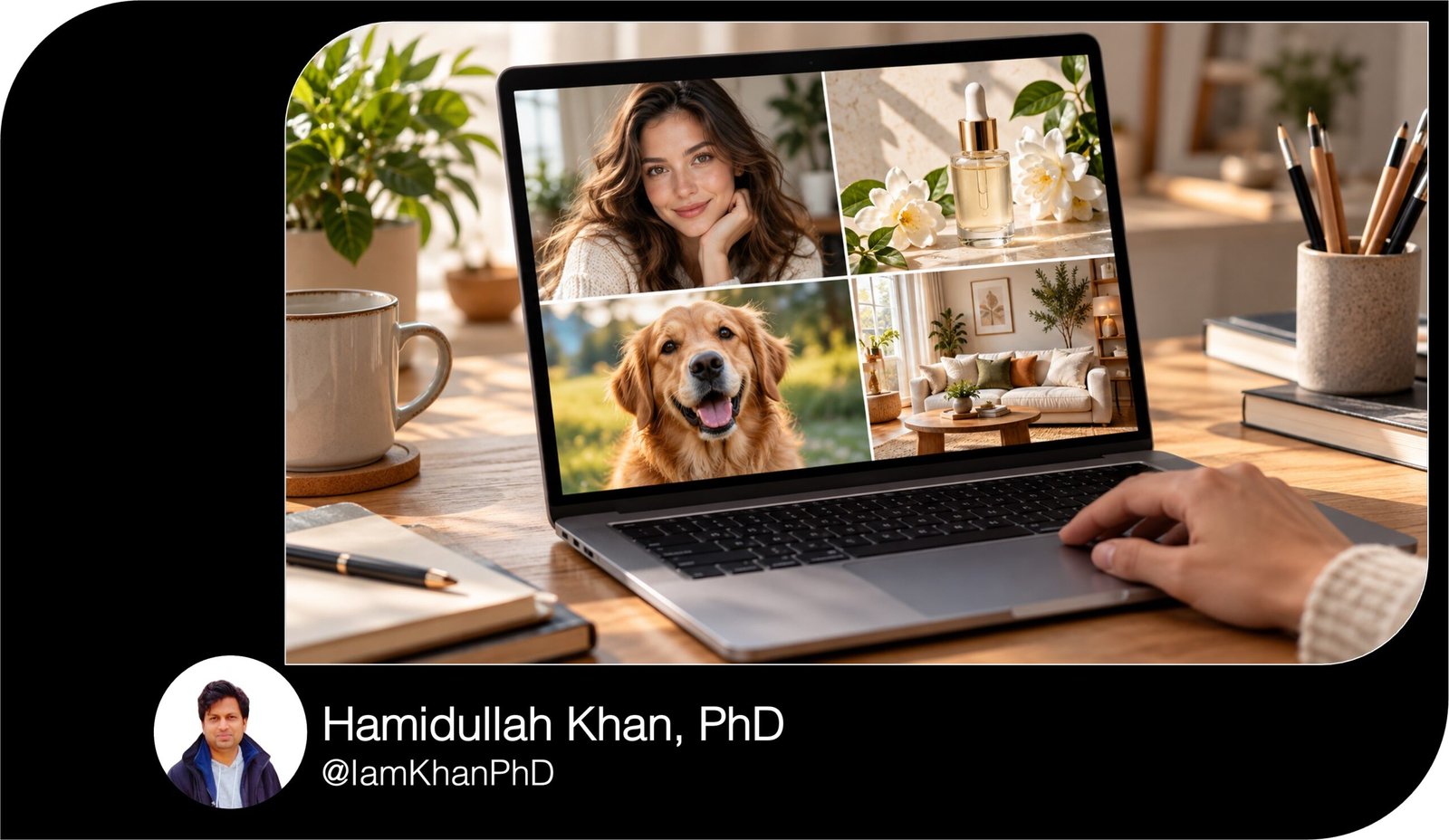
Create better pictures with 10 detailed, editable ChatGPT prompts. This beginner-friendly collection covers profile photos, product images, food pictures, pet portraits, room makeovers, social media graphics, and more. Replace the bracketed details with your own ideas, paste the prompt into ChatGPT, and refine the result.
What this product does
- Gives you 10 ready-to-use prompts for specific picture projects.
- Shows you exactly which details to personalize.
- Helps you describe the subject, setting, lighting, style, and image size clearly.
Tips for these prompts
- Replace every bracketed field before pasting a prompt.
- Upload a clear photo when the prompt asks for one.
- If the first image is close, ask ChatGPT to change one specific detail at a time.
How to use the prompts
- Choose the prompt that matches the picture you want.
- Fill in the bracketed details and attach a photo if required.
- Paste it into ChatGPT, review the image, and request any adjustments.
10 Copy-and-Paste ChatGPT Prompts for Pictures
Replace every [bracketed field] with your own details, then paste the prompt into ChatGPT. For prompts that mention an uploaded photo, attach the photo first.
1. Professional profile picture
Create a realistic professional profile picture using the selfie I uploaded. Keep my face, skin tone, hairstyle, and recognizable features accurate. Show me from the chest up, facing the camera with a natural, approachable smile. Dress me in [outfit, such as a navy blazer and plain white shirt]. Use a softly blurred [background, such as a modern office or warm neutral studio]. The lighting should be flattering and natural, with clear eyes and realistic skin texture. Compose the image as a square so my face remains visible when it is cropped into a small circle. Make it suitable for my [LinkedIn profile / business website / social media account]. Do not add text, logos, heavy filters, or changes to my facial features.
2. Online store product photo
Use my uploaded product photo to create a polished image for an online store listing. The product is a
in [color/material]. Keep its actual shape, color, packaging, labels, and visible details accurate. Place it upright on a clean [white / light beige] background with soft studio lighting and a subtle natural shadow beneath it. Show the entire product clearly, with space around the edges so it is not cut off in a thumbnail. Make the result photorealistic and suitable for a [square / 4:5] product listing image. Do not invent extra accessories, change any printed wording, add sale badges, or add a watermark.

3. Lifestyle picture for a product
Create a realistic lifestyle photo featuring the
in my uploaded photo. Keep the product’s appearance and any visible branding accurate. Show it being used by [describe the customer] in [specific setting, such as a bright kitchen on a weekend morning]. The action should make its purpose immediately clear: [describe how it is used]. Use natural daylight, believable proportions, and a warm [minimal / colorful / luxurious] mood. Make the product the main focus while the background adds context. Compose it vertically at a 4:5 ratio for an Instagram feed post. Do not add captions, prices, or objects that hide the product.
4. Food picture for a recipe post
Create an appetizing, photorealistic image of [dish name] for a recipe post. Show the dish served in [plate or bowl description], with these visible ingredients: [key ingredients]. Photograph it from a [top-down / 45-degree] angle on a [surface, such as a rustic wooden table]. Add only these supporting items: [napkin, cutlery, herbs, drink, or other props]. Use soft window light, realistic food texture, and colors that look natural rather than oversaturated. Leave a little uncluttered space near the [top / left] for a caption I may add later. Use a vertical 4:5 composition. Do not include text, hands, or ingredients that are not in the recipe.
5. Room makeover preview
Use the photo I uploaded to show a realistic makeover of this exact room. Keep the room’s layout, doors, windows, ceiling height, and camera angle the same. Change the style to [style, such as cozy modern or Scandinavian]. Replace or update the following items: [list furniture, wall colors, lighting, and décor to change]. Keep these items exactly as they are: [list anything that must stay]. Use a color palette of [three colors] and make the materials and lighting look believable. Show one finished image from the same viewpoint as my original photo so I can compare the result. Do not move walls, add windows, or make the room appear larger.
6. Pet portrait
Turn the uploaded photo of my [dog / cat / other pet] into a detailed portrait. Preserve their recognizable face, markings, eye color, fur pattern, and ear shape. Show them sitting [pose] in [setting, such as a sunlit garden or cozy living room]. Create the image in a [realistic photograph / watercolor painting / storybook illustration] style with a [warm / playful / elegant] mood. Keep the focus on my pet and use a softly detailed background. Compose it as a square image suitable for sharing or printing. Do not add clothes or accessories unless I specify them here: [accessory or “none”]. Do not add text.
7. Travel poster picture
Create a vertical travel poster image inspired by [destination]. Feature [specific landmark or scene] as the clear focal point, with [two or three recognizable details, such as local architecture, plants, or coastline]. Set the scene at [time of day] with a [color palette] palette. Use a [vintage illustrated / cinematic photographic] style and a 2:3 poster ratio. Leave clean space at the top where I can add the destination name later. Make the scene inviting and visually specific to this destination, with accurate-looking geography and architecture. Do not add people, logos, watermarks, or any text.
8. YouTube thumbnail picture
Create a bold YouTube thumbnail image for a video about [specific topic]. The main subject should be [person, object, or scene], showing [clear action or expression]. Place the subject on the [left / right] side and leave the opposite side uncluttered so I can add a short headline later. Use a 16:9 landscape layout, strong contrast, bright but controlled colors, and lighting that makes the subject easy to recognize at a small size. Include [one relevant supporting object] to clarify the topic. Keep the background simple. Do not add text, arrows, logos, watermarks, or a crowded collage.
9. Event invitation background
Create an elegant picture to use as the background of an invitation for [event type, such as a birthday dinner or baby shower]. The theme is [theme], and the colors are [two or three colors]. Include these visual details: [flowers, balloons, candles, seasonal elements, or other decorations]. Arrange the decorations mainly around the edges and leave a large, calm, readable area in the center for event details I will add later. Use a vertical 5:7 invitation layout with soft, polished lighting. The design should feel [playful / formal / cozy / modern]. Do not add any words, dates, names, logos, or watermarks.
10. Social media quote background
Create a square background image for a social media quote about [topic, such as confidence, rest, or starting a business]. The visual idea is [specific scene or symbol, such as a small plant growing beside a sunny window]. Use [two or three colors] and a [minimal / editorial / dreamy] style. Keep the main visual in the lower [left / right] area and leave generous plain space in the center for a quote I will add afterward. Make it appealing and easy to understand while scrolling on a phone. Use soft contrast behind the empty text area so dark lettering will be readable. Do not include words, letters, logos, or watermarks.

About author