
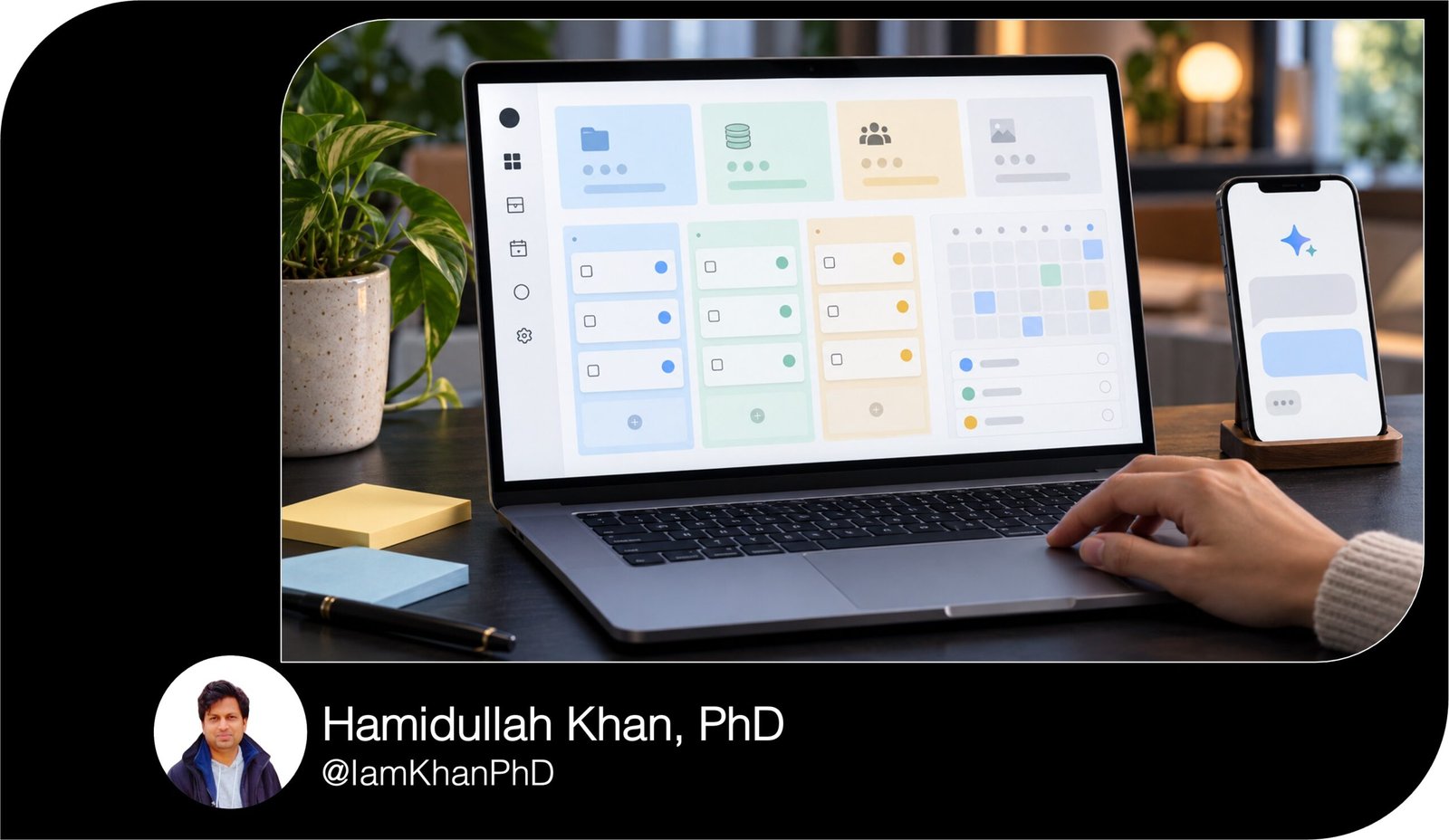
10 ChatGPT Prompts for Notion Workspace Planning
Plan a Notion workspace around the way you actually work. This collection includes 10 detailed, editable ChatGPT prompts for organizing pages, databases, tasks, dashboards, content, notes, goals, and team workflows. Replace the placeholders with your details to generate tailored plans, examples, and setup checklists. Designed for people with basic AI experience.
What this prompt pack does
- Turns your goals, recurring work, and scattered information into a clear Notion workspace plan.
- Helps you define useful databases, properties, views, templates, and review routines.
- Guides you through workspace cleanup, collaboration planning, and manageable setup sessions.
Tips for this prompt pack
- Use real examples: include a few tasks, page names, or content ideas so the plan matches your work.
- State your Notion experience, plan, device, and available time to keep suggestions practical.
- Start with essential pages and databases, test them with sample entries, and add complexity when needed.
How to use the prompt pack
- Choose the prompt that matches your current need and replace every [placeholder] with your information; use “none” or “unknown” where appropriate.
- Paste the completed prompt into ChatGPT, send it, and answer any clarifying questions.
- Review the suggested plan, build it in Notion using the setup instructions, and refine it after trying it with real work.
10 ChatGPT Prompts for Notion Workspace Planning
Replace the [placeholders] with your own details. Each prompt works independently and generates a plan you can implement in Notion.
1. Plan your workspace from scratch
Act as a Notion workspace planner who teaches beginners. Design a workspace around my actual work.
My details:
- Role or business: [your role or business]
- Main purpose: [work, studies, personal life, or a combination]
- Three outcomes I want: [list three specific results]
- Recurring activities: [list activities and how often they happen]
- Information currently scattered across tools: [describe it]
- People using the workspace: [just me, or team size and roles]
- Daily maintenance time: [minutes]
- Notion plan: [plan name or unknown]
Give me:
- A page hierarchy with no more than five main pages. Explain what belongs on each page and what belongs elsewhere.
- A table mapping each recurring activity to its page, information to capture, and review frequency.
- Up to three essential databases. Explain why each needs a database rather than a simple page or checklist.
- One realistic example showing how information moves from capture to active work to archive.
- A “build first” checklist with the first three setup actions.
Use plain English and explain unfamiliar Notion terms. Keep the design within my maintenance budget. Put optional additions in a separate “later” list. Ask up to three questions only if missing information prevents a useful plan; otherwise state your assumptions.
2. Choose the right databases and properties
Help me turn scattered information into a simple Notion database structure.
My context:
- What I manage: [projects, customers, courses, resources, or other items]
- Sample information: [paste 5–10 representative entries]
- Existing databases and property names: [list them, or write none]
- Questions I need the workspace to answer: [list three, such as “Which projects need attention?”]
- People maintaining it: [me, or team roles]
- Notion experience and plan: [details or unknown]
Recommend the smallest useful set of databases. Reuse existing databases where practical.
For each database, provide:
- Its purpose and the rule for what counts as one entry.
- A property table with exact property name, Notion property type, purpose, whether I must fill it in, and an example value. Include the title property and keep the total to eight properties or fewer.
- Three example entries based on my information; label invented examples.
- Two useful views with their layout, exact filter logic, grouping, and sort order.
Recommend no more than two connections between databases. Explain each relation in everyday language, which entries to connect, and the manual setup order. Show connections separately from sample text tables so I know what needs configuring in Notion. Keep formulas and rollups optional.
3. Build a realistic project and task system
Act as a practical project planner. Design a Notion system that helps me finish work within my available time.
My situation:
- Active projects, desired results, and deadlines: [list]
- Current tasks and estimated durations: [paste list]
- Workdays and available hours: [details]
- Today’s date and timezone: [date and timezone]
- People responsible: [me, or names/roles]
- Common problems: [missed deadlines, unclear next steps, too much work, etc.]
- Existing Projects or Tasks databases: [names and properties, or none]
Plan a Projects database and a Tasks database, adapting what I already have. Limit each to eight essential properties and explain how tasks connect to projects.
Define a simple status workflow, including what makes a task ready, blocked, or done. Provide:
- A project-page template with outcome, scope, milestones, and completion criteria.
- A task-page template with next action, completion criteria, and blocker.
- Up to eight actionable tasks drawn from my project list.
- A workload table comparing estimated task hours with my available hours and recommending what to postpone if overloaded.
- “This Week,” “Overdue,” and “Blocked” views with exact filter logic and sorting.
Separate suggested work dates from actual deadlines. Mark missing estimates as assumptions and unknown deadlines as TBD. Finish with a 10-minute weekly planning routine.
4. Design a useful home dashboard
Help me plan a Notion home page that tells me what to do when I open my workspace.
My context:
- Main role and workspace purpose: [details]
- Existing pages: [list]
- Existing databases and their exact properties: [paste]
- Three questions I need answered each morning: [list]
- Most frequently opened information: [list]
- Main device: [phone, laptop, or both]
- Time available for daily planning: [minutes]
Design a dashboard with no more than six sections, arranged from top to bottom. For each section, give me its name, purpose, Notion block type, and source page or database.
For every database view, specify:
- Properties shown.
- Exact filter conditions, including whether conditions use AND or OR.
- Sort order and grouping, if useful.
- What I should do when the view is empty.
Use my existing property names. If a useful view needs a missing property, explain the addition before using it. Reuse information through linked views rather than creating duplicate records.
Provide copy-ready headings and short instructions for the home page, a simple single-column mobile layout, and a daily routine that fits my time limit. Distinguish information I type manually from information displayed through database views. Keep decorative elements secondary to finding work quickly.
5. Plan a content calendar you can maintain
Act as a content operations planner. Design a Notion editorial workspace that fits my publishing capacity.
My details:
- Niche and audience: [details]
- Platforms and content formats: [list]
- Content themes: [list]
- Main goal: [education, audience growth, inquiries, sales, etc.]
- Weekly content hours: [number]
- Desired posting frequency per platform: [details]
- Production time per format: [estimates or unknown]
- Upcoming launches or fixed dates: [details]
- People creating and approving content: [roles or just me]
- Ideas and existing assets: [paste list]
- Planning start date and timezone: [details]
Recommend one editorial database with no more than 10 properties. Define whether one entry represents a content idea or one platform-specific publication, and explain how to handle repurposed content without confusion.
Include:
- Clear stages from idea to published, with criteria for moving between stages.
- Separate production deadlines and publication dates.
- Calendar, production-board, and next-action views with exact filters.
- A content-page template containing audience problem, hook, key message, call to action, asset links, and publishing checklist.
- A two-week sample schedule based on my ideas and available hours.
Show any capacity shortfall and suggest a manageable frequency. Label new ideas and time estimates. Treat publishing as a manual step unless I supply a verified integration.
6. Organize notes, bookmarks, and learning resources
Help me design a Notion knowledge library so I can find and reuse information.
My details:
- Work or study topics: [list]
- Information I save: [articles, videos, meeting notes, courses, procedures, etc.]
- Five example items: [paste titles and short descriptions]
- Where they currently live: [tools or folders]
- Typical retrieval questions: [for example, “Where is the checklist for onboarding a client?”]
- Time available to process saved items each week: [minutes]
- Existing databases: [names and properties, or none]
Create a system with one main resource database and no more than seven essential properties. Explain what belongs in a property and what belongs inside the item’s page.
Give me:
- A small topic-tag system with no more than eight tags, showing how my five examples would be categorized.
- A capture → review → use → archive workflow that fits my weekly time budget.
- Three page templates: a saved reference, a learning note, and a reusable procedure.
- Views for unprocessed items, useful references, and items due for review, with exact filters.
- Naming and duplicate-handling rules.
Keep source links separate from my own summaries. Define when something deserves saving and when it can be skipped. Finish with a five-minute routine for processing a small batch of new items.
7. Connect goals to weekly action
Act as a goal-planning coach. Help me plan a Notion system that connects outcomes to projects and weekly actions.
My context:
- Planning period: [start and end dates]
- Goals and why they matter: [list]
- Current baseline and desired target for each goal: [details or unknown]
- Evidence or data sources available: [list]
- Active projects and commitments: [list]
- Available hours per week: [number]
- Weekly review day and time limit: [details]
- Existing goal, project, or task databases: [names and properties, or none]
For each goal, identify whether progress should be measured with a number or a completed milestone. Create a planning table with outcome, baseline, target, deadline, evidence source, update frequency, and supporting project. Leave unknown measurements as TBD.
Recommend a Goals database with eight properties or fewer and explain how to connect it to existing projects without duplicating tasks. Start with a manual progress update method.
Provide:
- One clearly labeled worked example using my context.
- An “Active Goals” view and a “Needs Review” view with exact filters.
- A copy-ready weekly review page covering evidence of progress, completed work, obstacles, decisions, and the next three actions.
- A rule for pausing or reducing commitments when the plan exceeds my capacity.
Explain the difference between an outcome, a project, and a task in simple terms.
8. Plan team collaboration and handoffs
Act as a Notion collaboration planner. Help me design a clear workflow for people working together.
My situation:
- Team members and responsibilities: [list roles]
- External collaborators: [clients, contractors, or none]
- Workflow to organize: [for example, request → production → review → delivery]
- Current handoff problems: [details]
- Who approves completed work: [role]
- Information each role needs: [list]
- Information that should have limited access: [describe categories]
- Existing pages and databases: [list]
- Notion plan: [name or unknown]
Produce:
- A workflow table showing each stage, responsible role, required information, handoff trigger, and definition of done.
- A request template and a handoff template with deliverable links, owner, reviewer, deadline, and next action.
- A small set of tracking properties and views for awaiting review, blocked work, and ready-to-deliver items.
- An access-planning matrix listing each role, relevant page or database, intended access, and the settings I need to verify.
- A 10-minute weekly check for stalled handoffs.
Separate workflow filters from access controls. Do not treat a filtered view or hidden property as a privacy boundary. If a proposed permission feature depends on my plan, flag it for verification and offer a simpler page-sharing alternative. Include checks I can perform using a collaborator’s actual access before sharing broadly.
9. Audit and simplify an existing workspace
Act as a Notion workspace organizer. Review only the inventory I provide and propose a manageable cleanup.
My context:
- Workspace purpose: [details]
- Current pages and databases: [paste inventory]
- Important properties, views, and database connections: [list]
- Examples of duplicate or confusing items: [paste]
- Three things that are difficult to find or maintain: [list]
- Information that must be preserved: [details]
- Available cleanup time: [minutes]
- Other people who depend on the workspace: [roles or none]
Create an audit table with existing item, observed problem, recommended action, reason, estimated effort, and dependencies to check. Use “keep,” “rename,” “merge,” “move,” or “archive” where appropriate.
Give me:
- The five most useful changes, ranked by time saved and effort.
- An old-location → new-location mapping for anything moved or merged.
- A cleanup checklist that fits my time budget, with clear stopping points.
- Naming rules and a monthly maintenance checklist.
- A before-and-after test using my three difficult workflows.
Treat similar titles as possible duplicates, not proof. Before merges or archives, explain how to preserve originals and check linked views, relations, access, and record counts. Mark anything you cannot assess from my inventory as “needs inspection.” Do not claim you have accessed or changed my workspace.
10. Turn your plan into a guided setup
Act as a patient Notion setup coach. Turn my workspace plan into small build sessions and guide me through the first session.
My details:
- Workspace plan or desired structure: [paste]
- Main outcome I need first: [describe]
- Existing pages, databases, and property names: [list or none]
- Device: [web browser, desktop app, or phone]
- Notion experience: [new user or basic experience]
- Notion plan: [name or unknown]
- Minutes available per session: [number]
- Desired completion date: [date]
- Features I want to avoid: [formulas, integrations, complex layouts, etc.]
First, check whether the scope fits my time and identify the smallest usable version.
Then give me:
- A build plan divided into sessions that fit my time limit. For each session, show dependencies, concrete steps, expected result, estimated time, and a completion check.
- The first session’s instructions in plain English, with exact page and property names.
- Three clearly labeled sample records for testing the first database, if the plan includes one.
- Five practical acceptance checks for the completed workspace, covering capture, finding work, updating progress, reviewing information, and any relevant sharing.
Keep uncertain menu labels and plan-dependent features clearly marked for verification. Provide manual steps rather than assuming direct workspace access. After explaining session one, stop and ask me to report what I completed or where I got stuck before guiding the next session.

About author









Add comment